 Timer Studio
Big, clear timers.
And a promo screen for your business.
Countdown and interval timers you can read from across the room, with a friendly voice coach. Upgrade to Promo Screen to show your logo, offers and messages on any screen or TV.
Coming soon on theApp StoreFor iPhone and iPad. Android coming later.
Everything you need from a timer
The Countdown and Interval timers are free, with no adverts and no account needed.
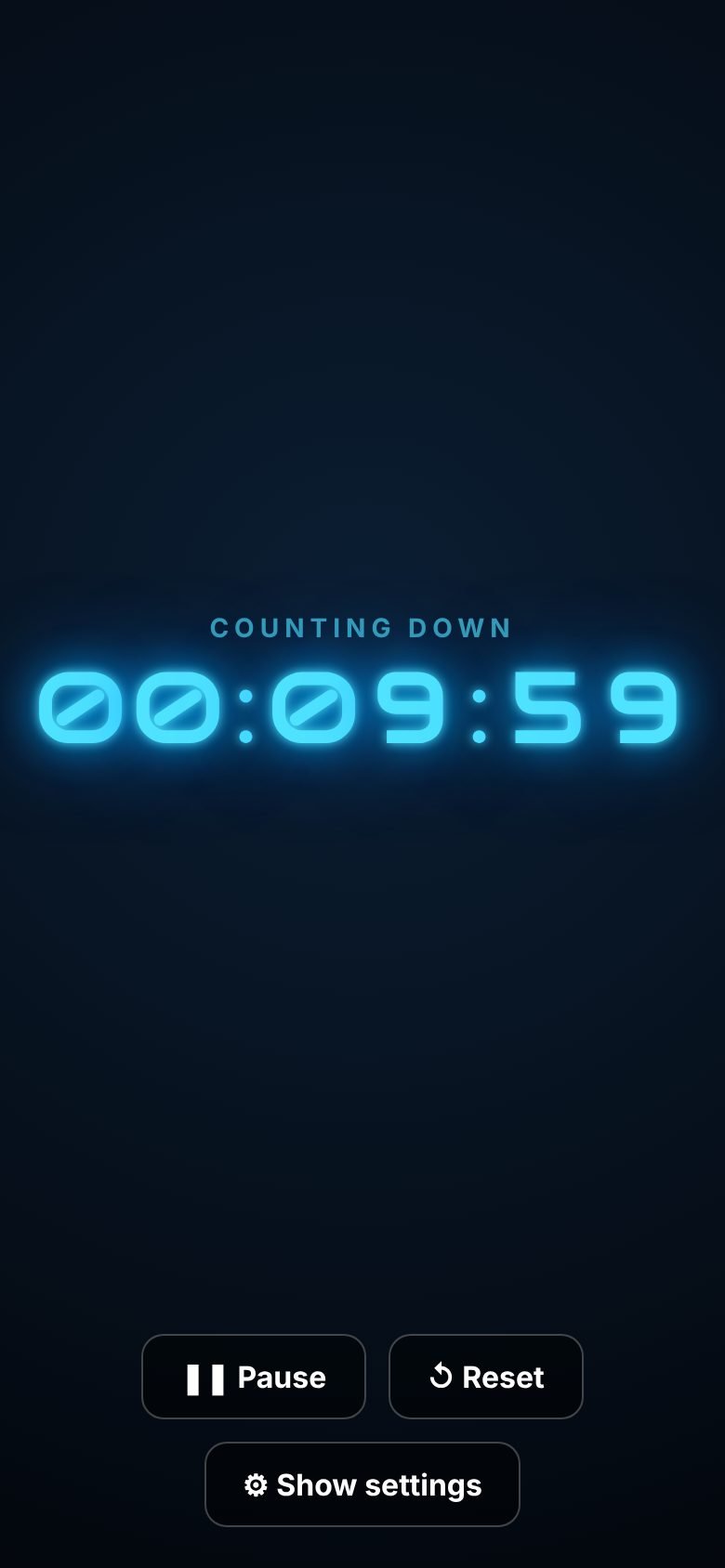
Countdown
From 10 seconds to 23 hours 59 minutes, or set the time you want to finish. Fills the whole screen at the tap of a button.
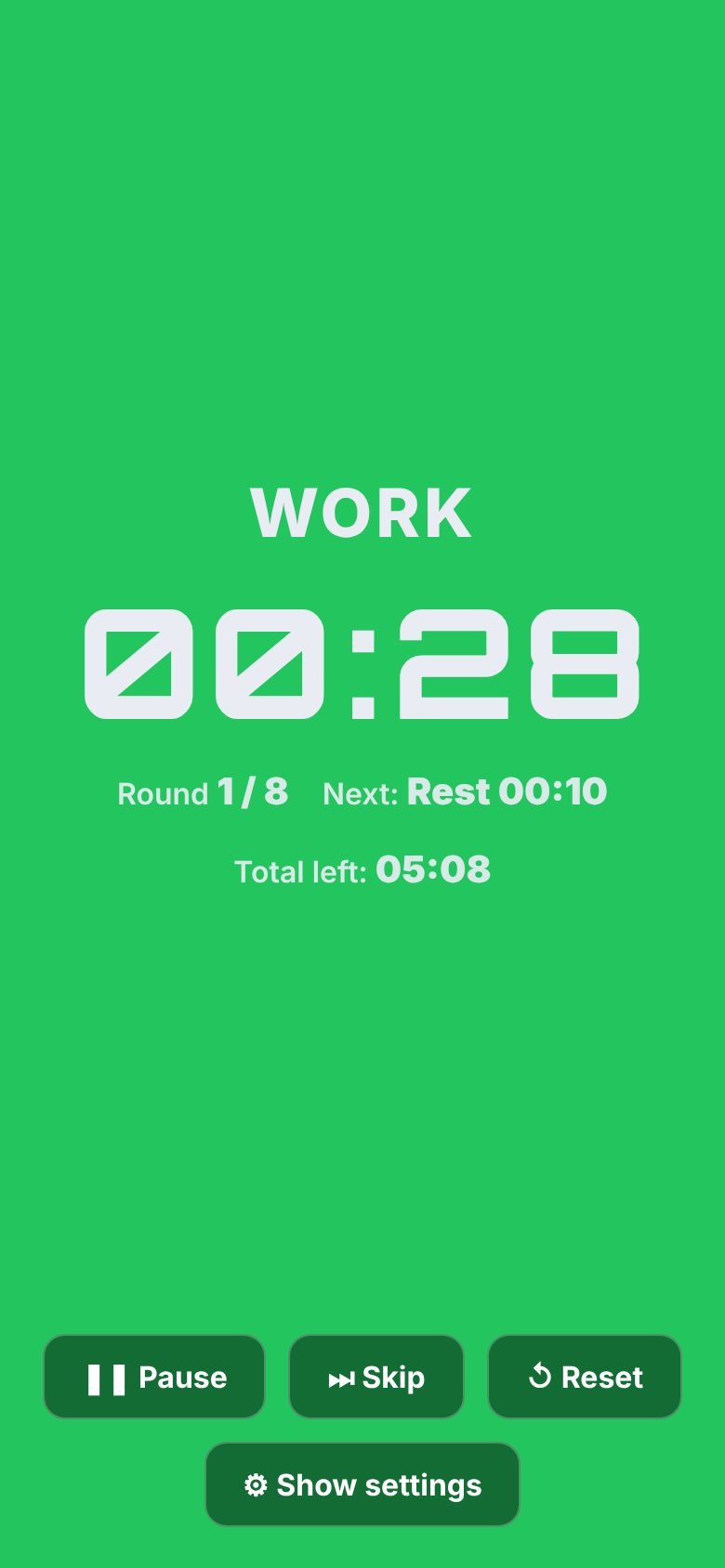
Interval timer
Tabata, HIIT, boxing rounds and circuits, or build your own. Each interval has its own name and colour.
Voice coach
Spoken time updates, a countdown of the last seconds, round numbers, exercise names and a bit of motivation.
10 clock styles
LED, neon, retro LCD, flip clock, arcade, gold and more. Plus 14 ticking sounds and 9 alarms.
Alerts when locked
Lock your phone or switch apps and you'll still get an alert when time's up or the next interval starts.
Extra timers
Run up to 8 named timers at once, which is perfect for cooking. The voice tells you which one has finished.
Turn any screen into a shop sign
Put a tablet in the window or a TV behind the counter, and Promo Screen does the rest.
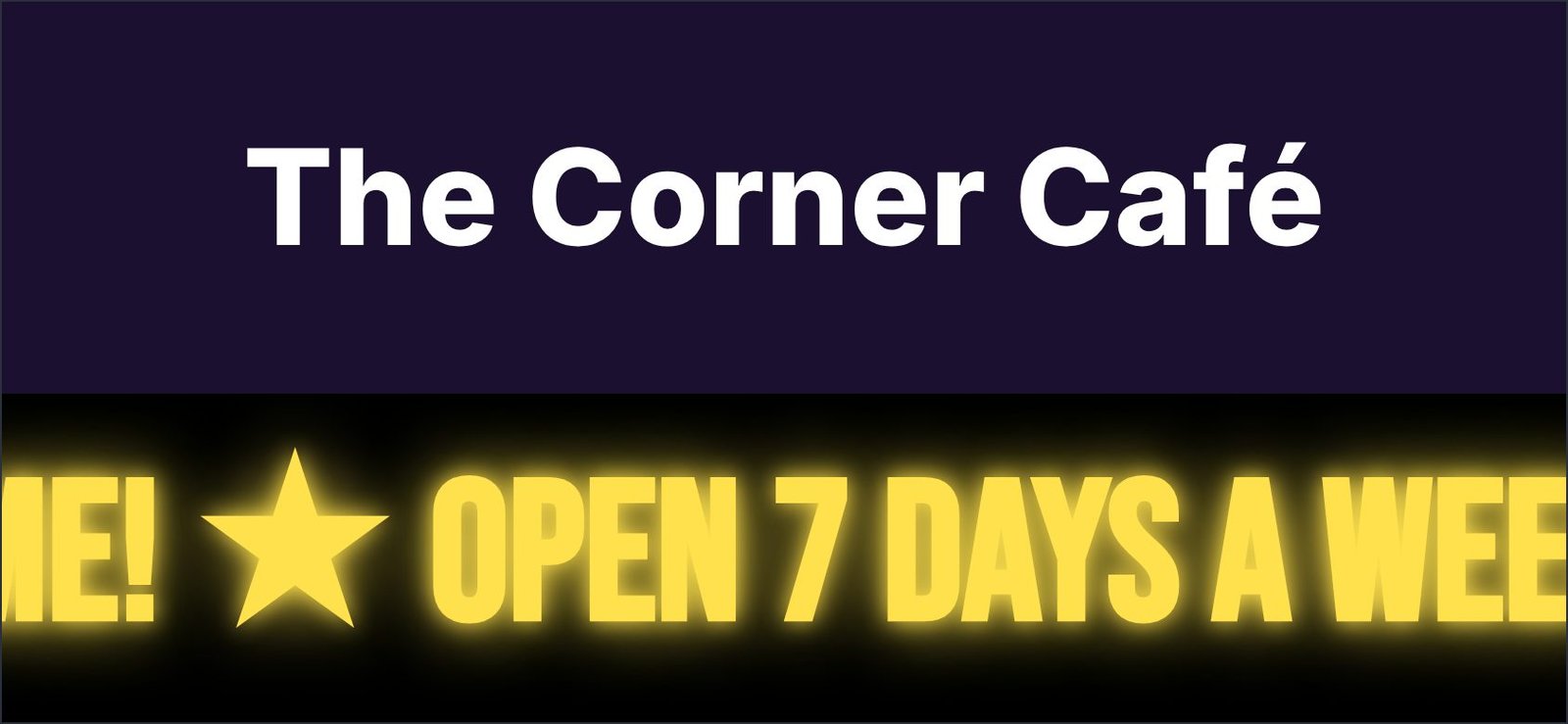
- Advertising: your logo and name, with up to 5 messages that scroll, fade, flip or type out
- Scheduling: show the lunch offer only at lunchtime
- Logo screen: show your logo full screen, or take turns with your messages
- QR code and clock: send customers to your website and show the time
- Message: type a message and it's on screen instantly, with a timer above. Ideal for meetings, classes and events.
- Your branding: your own name, colour and logo in the app
Show it on a TV
Timer Studio looks great on a big screen, in a gym, café, classroom or meeting room.
iPhone and iPad
Open Control Centre, tap Screen Mirroring and choose your Apple TV or AirPlay TV.
Tablet in the window
Use a spare iPad as a permanent display. The screen stays on while Timer Studio is running.
Coming soon
Timer Studio is on its way to the App Store. Got a question or an idea? Email support@timerstudio.co.uk.